Install
DeepCrate is required on the server and on every client. A player without the mod sees neither the crates nor their screen, and is turned away on connection.
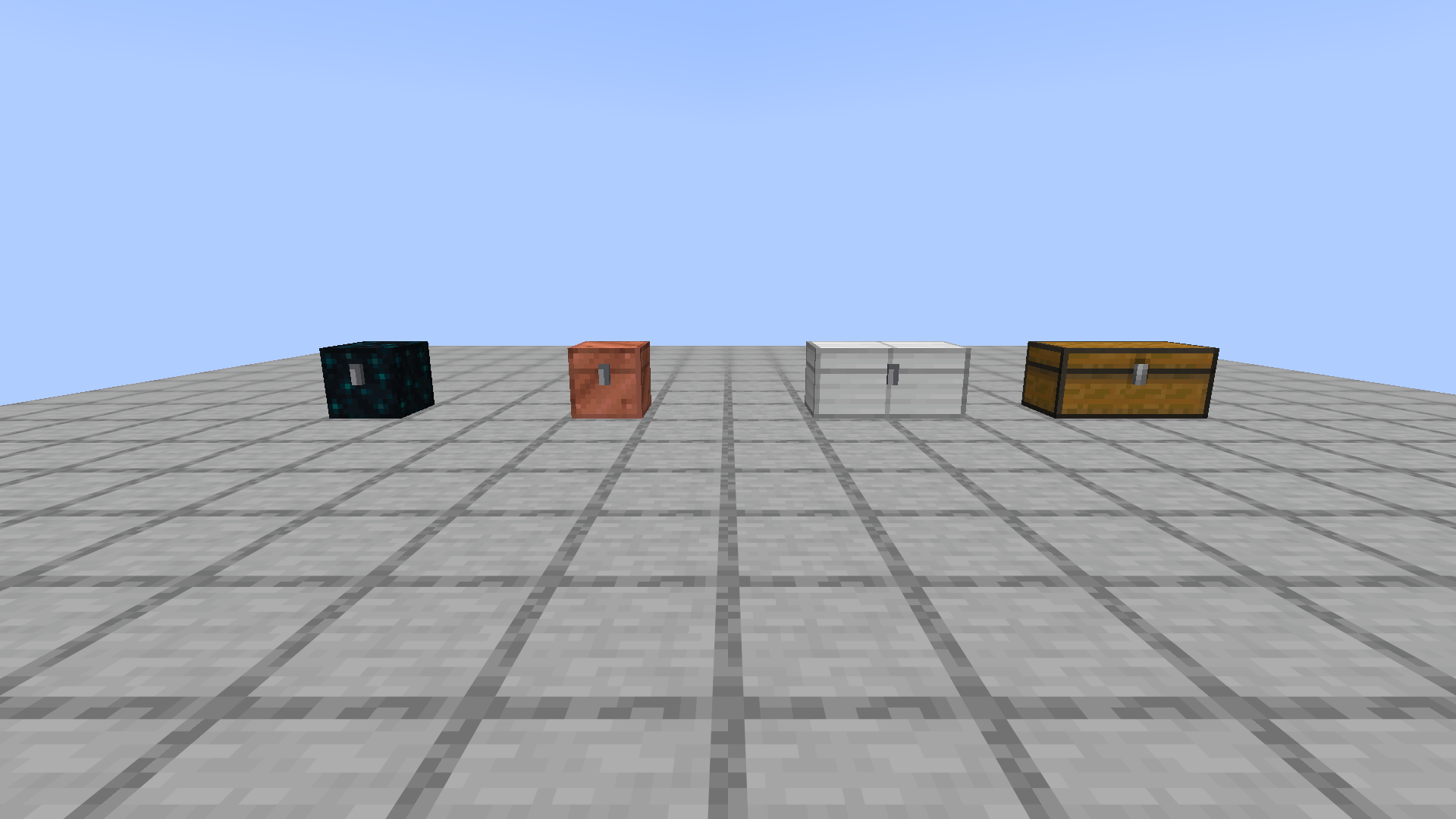
The four steps
- The loader: the one recommended on the mod's CurseForge or Modrinth page, in the Minecraft version shown there.
- The two files: DeepCrate and Fabric API, the library it depends on, each downloaded from its own page and dropped into the
modsfolder. - The server: the same thing in its own
modsfolder, then one restart so it writes its settings. - The first launch:
config/oas/deepcrate.jsonappears, and is rewritten on every start after it.
Where to download it
Neither page is open yet. Both will be at the first public release, and it is those pages that will carry the accepted version list.
The versions are not written here
No compatibility table on this page, on purpose. Both shops show the accepted version list of the file you are downloading, live, and a frozen copy here would go wrong without anyone noticing.
What you can run beside it
The mod asks for nothing but Fabric Loader and Fabric API, the two it depends on. The usual optimisation mods run without breaking anything, with one exception: as long as lithium is installed, a crate reports 64 per slot to automation and hopper filling stops at that number. The hopper page covers why, and how to take the decision back.
Removing the mod erases the crates. A world saved with DeepCrate keeps its crates in its file, and taking the mod out makes the blocks disappear along with what they held. Empty them first, or keep a copy of the world.