Sorting, search and pages
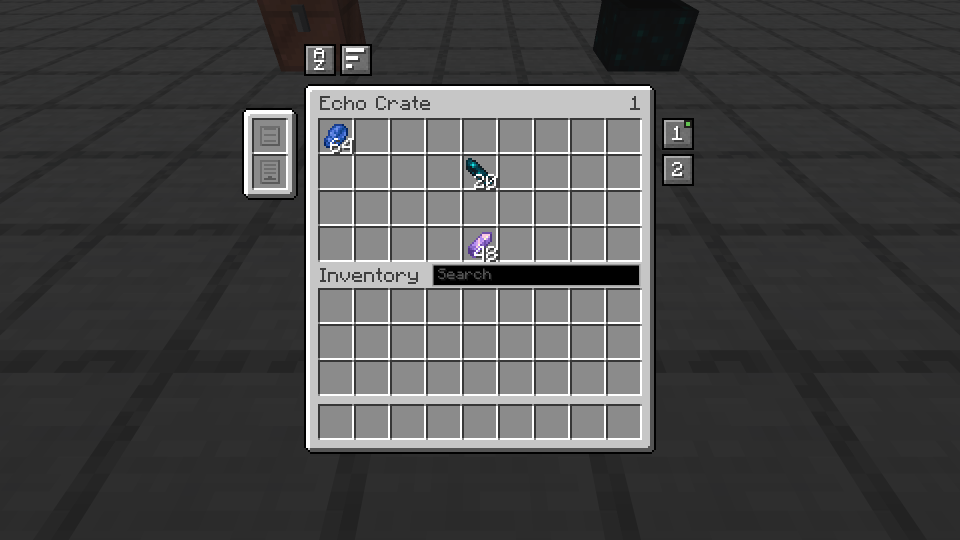
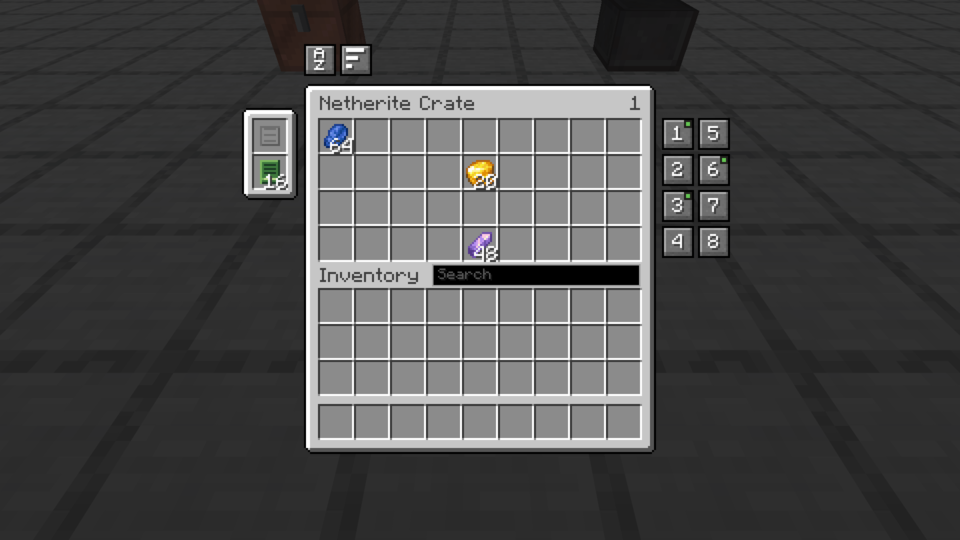
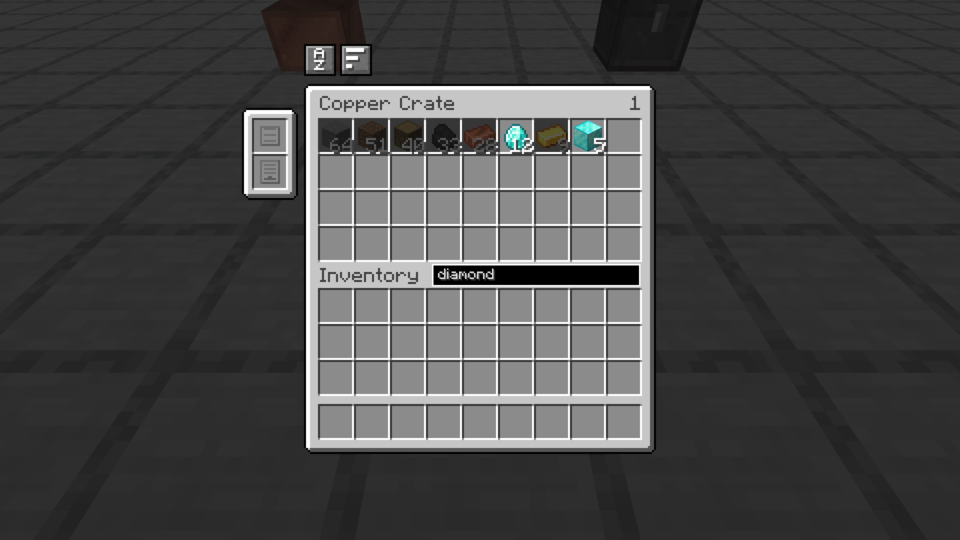
Three things live around the grid: two buttons above the top left corner, a search field next to the word Inventory, and a column of numbers down the right edge once the crate no longer fits one page.
The two buttons
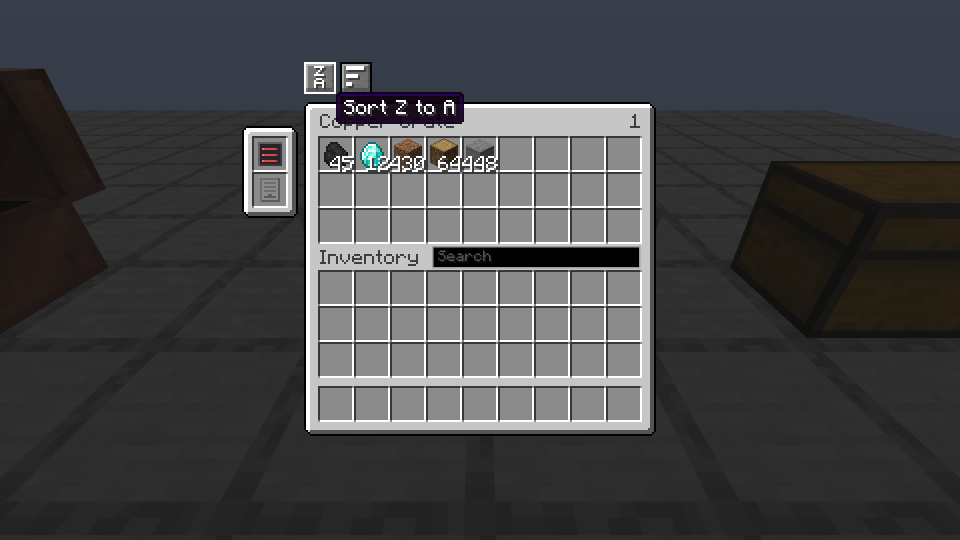
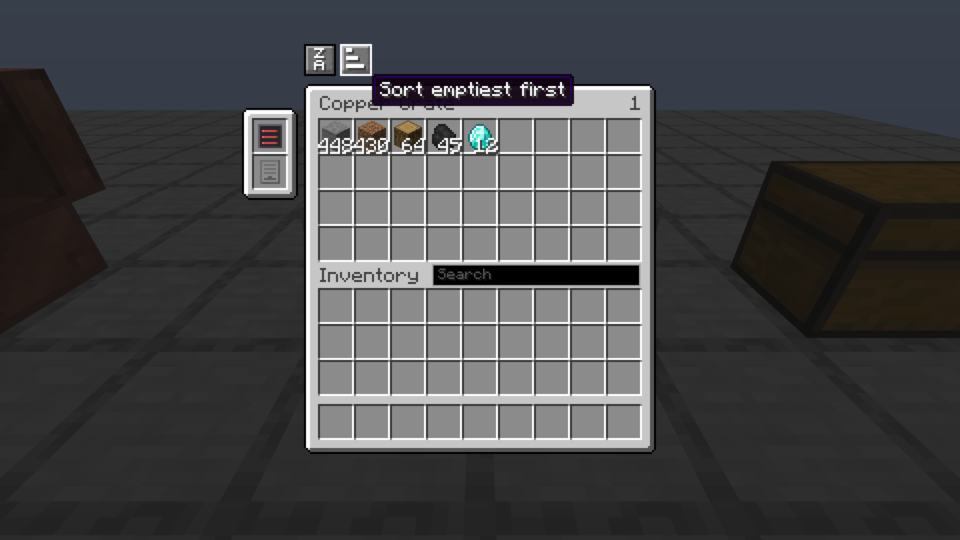
The first orders by name, the second by what each stack holds. Both merge identical stacks into one, up to what the module allows, and that is where the free slots after a sort come from. Pressing the same button again reverses the direction.
The icon announces what the next press will do, A above Z or Z above A, not what the last one did. A pair is sorted as one series of slots rather than one half after the other, so the letters do not start over in the middle. Modules stay in their tab.
Sorting is computed on the player's machine
A server has no language files: it cannot know that this player reads Pierre where their neighbour reads Stone, and sorting on a name nobody sees is not sorting. The ordering is therefore done on the player's machine and sent whole, as a list of items. What comes back is only a rearrangement of what the crate already had, so an invented list costs its author a crate in disorder, and nothing more.
The search
The field to the right of the word Inventory dims what does not match rather than hiding it: the slots stay where they are, and only the ones that answer keep their brightness. Nothing is moved, so clearing the search leaves the crate exactly as it was.
The pages
A page carries four rows at most, and past that the screen splits. Pages share the rows evenly: six rows give two pages of three, not one full and one nearly empty. The numbers stack down the right edge, on two columns if there are many, and a dot marks the ones carrying something.